
You can refill someone else’s prepaid phone in about a minute, using nothing but their phone number and carrier. You don’t need to log into their account, type their password, or ask for permission, you pay on your side, and their balance updates on its own. The refill follows the phone number, so the credit lands wherever you send it.
That’s how people cover a parent’s phone from across the country, spot a friend who’s run dry, or keep a relative’s line on when they can’t do it themselves. Most major US carriers let you pay for another person’s prepaid line, and dedicated refill platforms make it work across all of them from one screen. Here’s exactly what to have ready, how to send a refill step by step, and how to do it safely.
What You Need to Refill Another Person’s Phone#
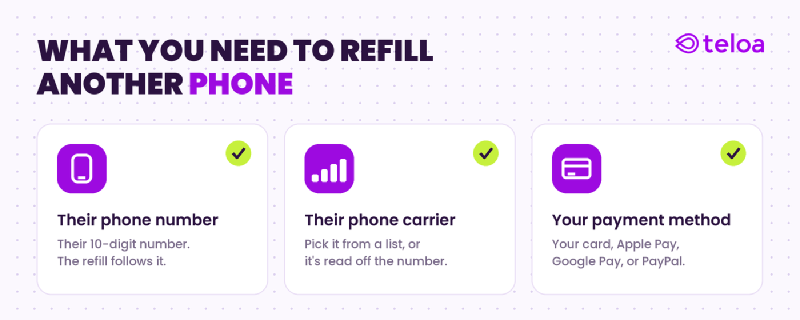
- Their 10-digit phone number. The refill follows the number, so this is the only detail of theirs you actually need. Get it right and the credit goes to them.
- Their carrier. You pick it from a list, or the platform reads it off the number for you. You don’t have to be on the same carrier yourself.
- Your own payment method. You pay with your card, Apple Pay, Google Pay, or PayPal — never theirs. The charge is yours; the airtime is theirs.
Notice what’s not on the list: their password, their account PIN, or their phone in your hand. Topping up is different from managing their account. Adding credit only needs the number; it never needs to log in as them.
How to Refill Someone Else’s Phone, Step by Step#
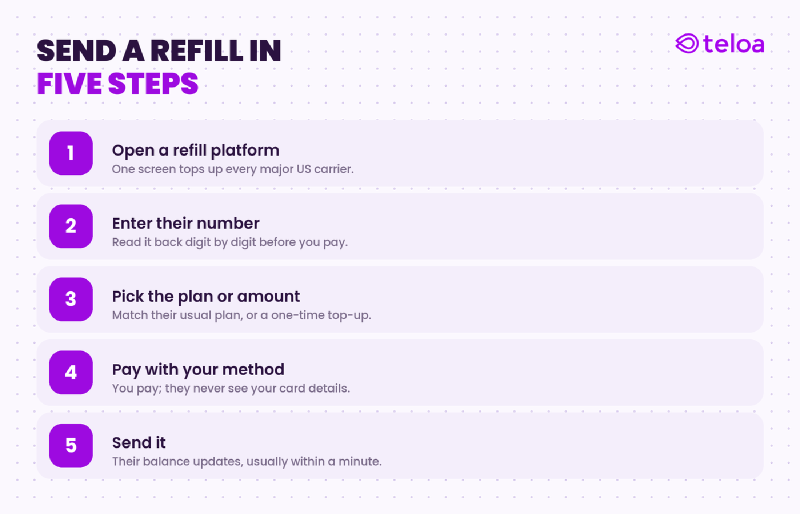
- Open a refill platform or the carrier’s site. A dedicated platform pays every major US carrier from one place; a carrier site only handles its own network.
- Type in the recipient’s number. Read it back digit by digit. The credit goes wherever you send it, so this is the one step worth slowing down for.
- Pick the plan or amount. Match the plan they usually run, or drop in a one-time top-up to get them through the month.
- Pay your way. Use your card, Apple Pay, Google Pay, or PayPal. Your payment details stay with you; the recipient never sees them.
- Send it. You get the confirmation on your end, and their phone gets the balance — usually within a minute. Their carrier typically texts them the new amount.
Teloa lets you refill any supported US prepaid phone by entering the recipient’s number and carrier — no access to their account needed, and you pay with the method you already use.
Doing It Through the Carrier vs. a Refill Platform#
You have two paths. Every major carrier lets you pay a prepaid line, but each one keeps the process on its own site, with its own rules. A refill platform like Teloa puts all of that together in a single screen.
If everyone you refill is on the same network, the carrier’s own page works fine. T-Mobile supports a guest payment so you can refill a prepaid account without signing in, and Verizon and AT&T each let you add funds to a prepaid number through their own systems. The friction shows up when the people you help are spread across different carriers — then you’re juggling a separate site, and sometimes a separate account number or PIN, for each one. And what could take seconds, takes hours.
| Carrier’s own site | Refill platform | |
|---|---|---|
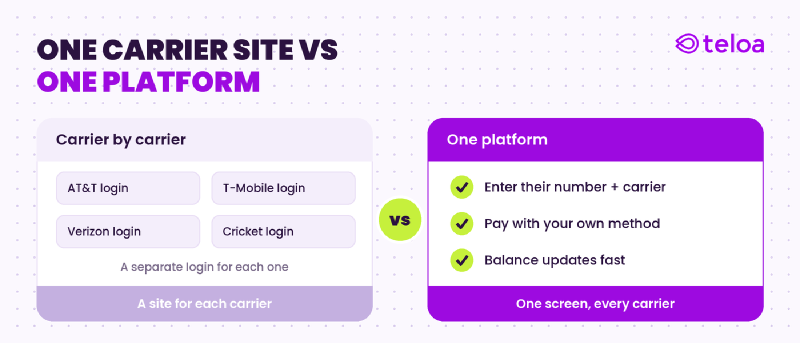
| Carriers covered | One network only | Every major US carrier from one screen |
| Login needed | Sometimes (or account number / PIN) | No — just their number and carrier |
| Managing several lines | A different site per carrier | All in one place |
| Payment methods | Varies by carrier | Card, Apple Pay, Google Pay, PayPal |
| Best when | Everyone is on the same network | You help people on different carriers |
If you only ever refill one line on one network, use that carrier’s page. If you cover a few people — a parent on Verizon, a kid on Cricket, a roommate on Metro — a single platform saves you from having a new checkout every time.
When People Refill Someone Else’s Phone#
Sending someone else a refill comes up more than you’d expect:
- Cover a relative across the country. You handle it from your couch; their line never drops, no matter the distance between you.
- Top up a parent or grandparent who skips online payments. You run it for them so their phone stays on, without walking them through a checkout over the phone.
- Gift some credit. Float a friend who’s out of balance until payday.
- Keep a line alive when someone can’t. Traveling, in the hospital, or slammed at work — you keep their service running so they don’t lose the number or miss a call.
In every case, the interaction is the same on your end: their number, their carrier, your payment. They don’t have to be present, and they don’t have to do anything.
Is It Safe to Pay for Someone Else’s Refill?#
Yes — as long as you refill on a secure platform. Because you’re paying with your own card on their behalf, the only data at risk is yours, and the protections are the same ones that keep any online payment safe. For the full breakdown, see our guide on whether it’s safe to refill your prepaid phone online .
Look for a platform that is PCI DSS compliant (the security standard banks require for handling card data) and that uses tokenized payments, so your real card number is never stored. Paying with Apple Pay or Google Pay adds another layer, since those never share your actual card number with the merchant at all. The recipient never sees your payment details — they only see their balance go up.
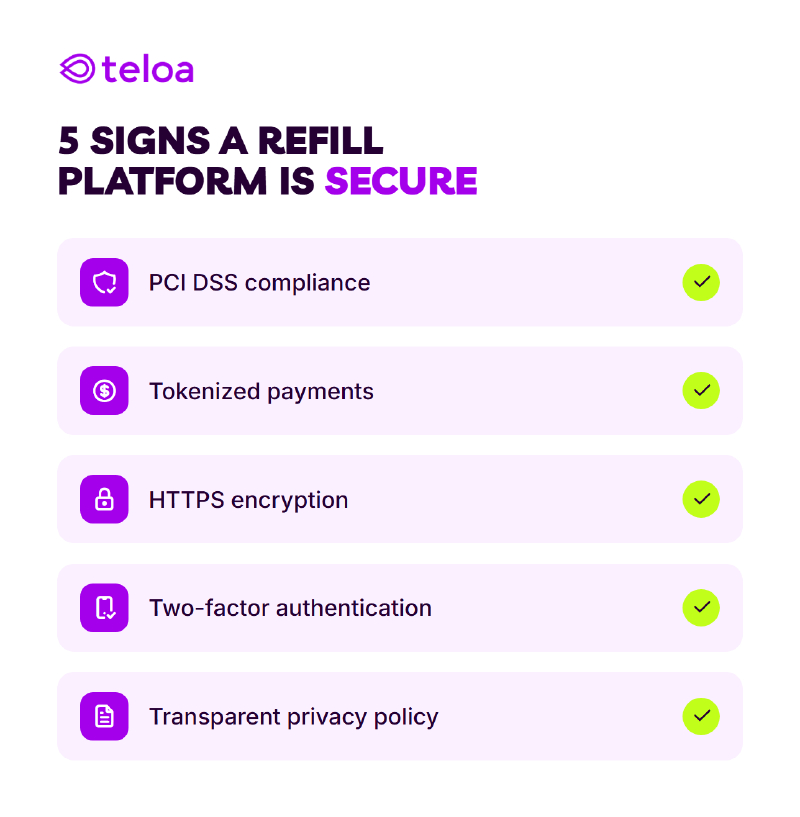
Teloa , for example, is PCI compliant and tokenizes every payment, so your card data is never stored on its servers no matter how many phones you refill.
Set Up AutoPay for the Lines You Manage#
If you’re the one keeping several phones on — a parent’s, a kid’s, your own — you don’t have to remember each due date. Wherever a platform supports it, you can set up AutoPay for someone else’s number and charge your own payment method, so their line refills on schedule every month. You can set it separately for each number, so every line you manage runs on its own cycle without you tracking any of it.
FAQ#
Does the other person need to know I’m refilling their phone?#
No. The credit posts to their number on its own — they don’t approve anything and don’t need to be there. Their carrier usually texts them the new balance, so they’ll see it landed even if you didn’t say a word.
Do I need their password or account to refill their phone?#
No. Refilling only needs their phone number and carrier, plus your own payment method. That’s different from managing their account — adding credit never logs in as them, so you never need their password or PIN.
Can I refill a phone on a different carrier than mine?#
Yes. Their carrier and yours have nothing to do with each other. You can refill across the major US carriers — AT&T, T-Mobile, Verizon, Cricket, Metro, Boost, Simple Mobile, H2O, Lyca — from any account, on any network.
Can I set up AutoPay for someone else’s phone?#
Yes, wherever the platform supports it. You schedule the refills to their number and charge your own payment method, so a kid’s or parent’s phone stays on without you remembering each month. You can set it separately for each number, so several lines you manage refill on their own schedule.
What if I enter the wrong phone number?#
The credit goes to whatever number you submit, and a wrong digit usually can’t be clawed back. Read the number twice before you pay — this is the one step worth slowing down for.
How do I know the refill went through?#
You get a confirmation on your end, and their carrier usually texts them the new balance. The credit typically posts within a minute.
Is it safe to pay for someone else’s refill online?#
Yes, on a PCI-compliant platform that uses tokenized payments. You’re paying with your own card, so the only data involved is yours, and a secure platform never stores it. Apple Pay and Google Pay add extra protection because your real card number is never shared with the merchant.